Leads - Write message
Starting inReading mode of the leadA response can be written to the lead. Several elements can be combined e.g. text template and attachment.
Manually created message
It is possible at any time to write a message completely manually. Here Subject and message can be entered via the keyboard of the smartphone.
Text template
About the selection box Text modules can be used in theCar Manager createdhave been made. These can be selected below.
After selecting a text module, the defined subject and content is filled automatically. The text can be edited at any time.
Shipping
About the symbol The shipping is triggered.
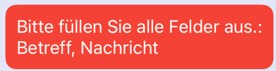
If data is missing the defective elements are called:
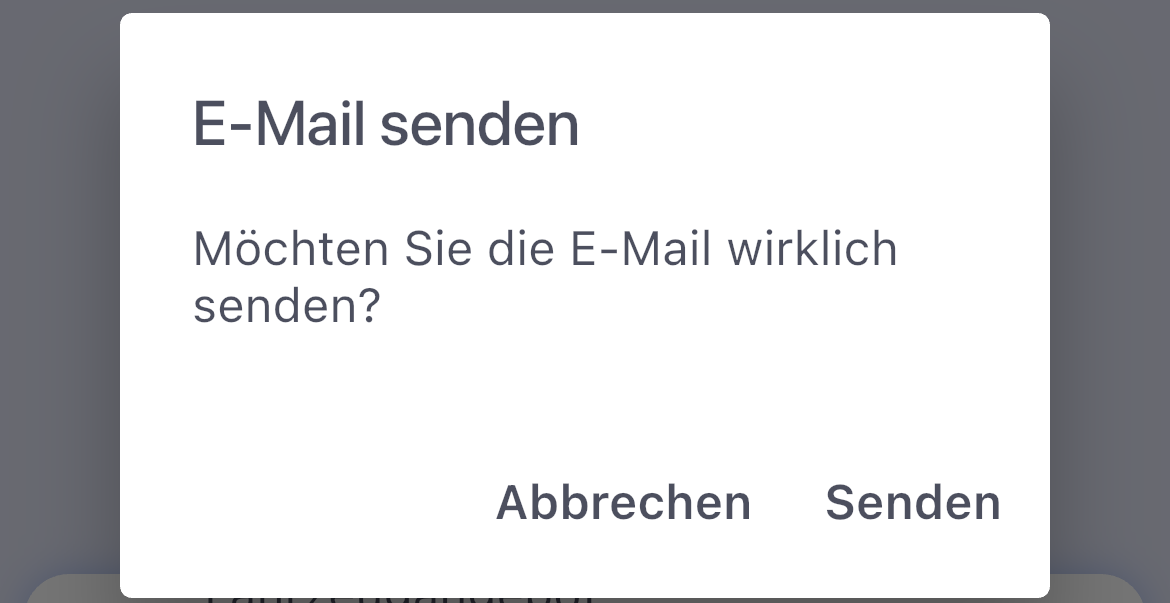
Before actual shipping, confirmation is required.
Appendix
About the selection box Attachments can be attached to the message. This can be images on the smartphone used or also the defined expose in theBasic LMS Settings.
Resubuen
About the selection box The due date can be set.
Lead completion
About the selection box A lead can be closed. The final reasons are available in theSettingshave been defined.
Note:
- The lead information / lead communication is synchronized in the Car Manager and Automanager app.